For independent restaurants
Your menu opens on their phone. And a dashboard shows you what diners want.
Diners scan the QR code on the table and your menu opens in their phone’s browser. No app to download. You see which dishes they look at, which they add to their list, and which dishes nobody adds to their list.
30 days free, no card needed. Then £29.99 a month if you carry on. No setup fee and no minimum term: cancel any time, and it stops at the end of the month you’ve paid for. See pricing
Placeholder — stock image
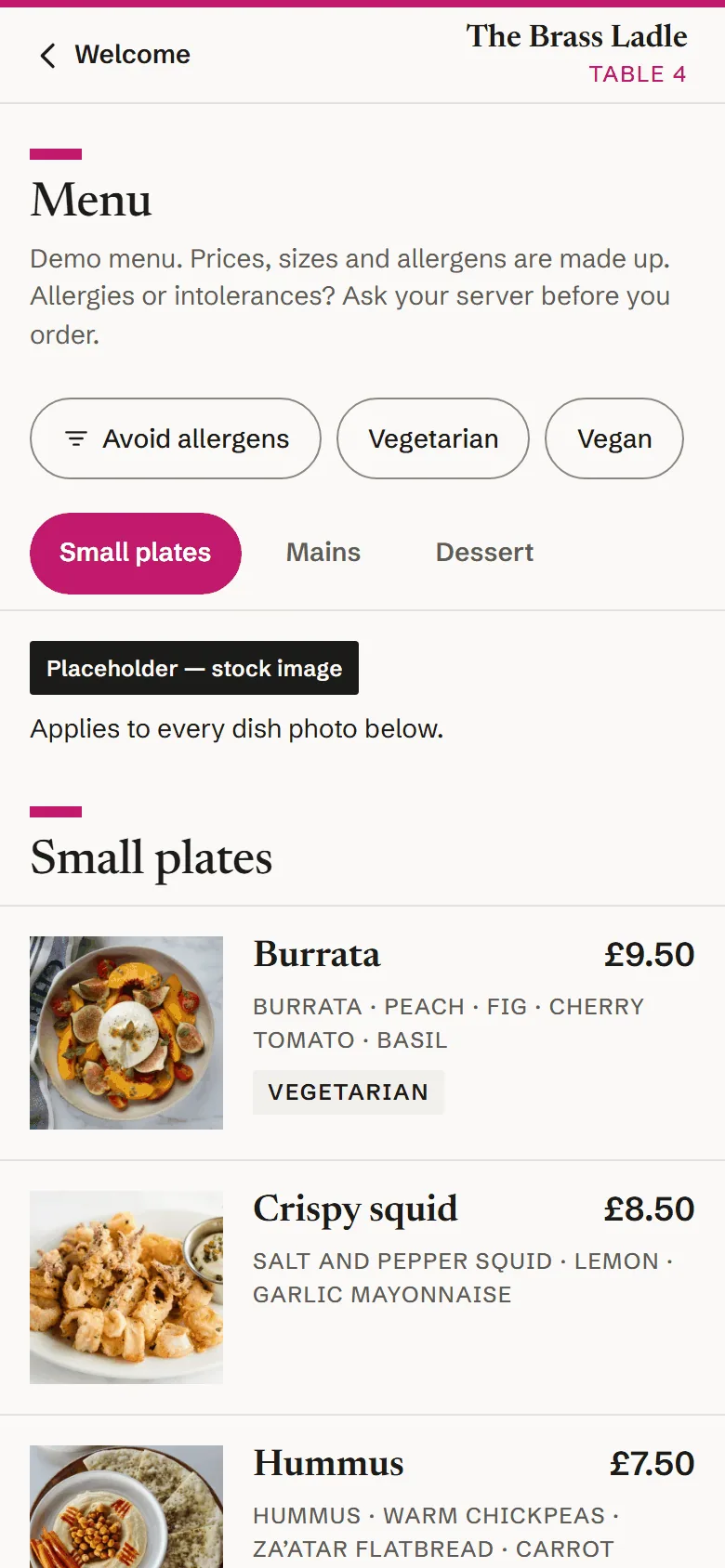
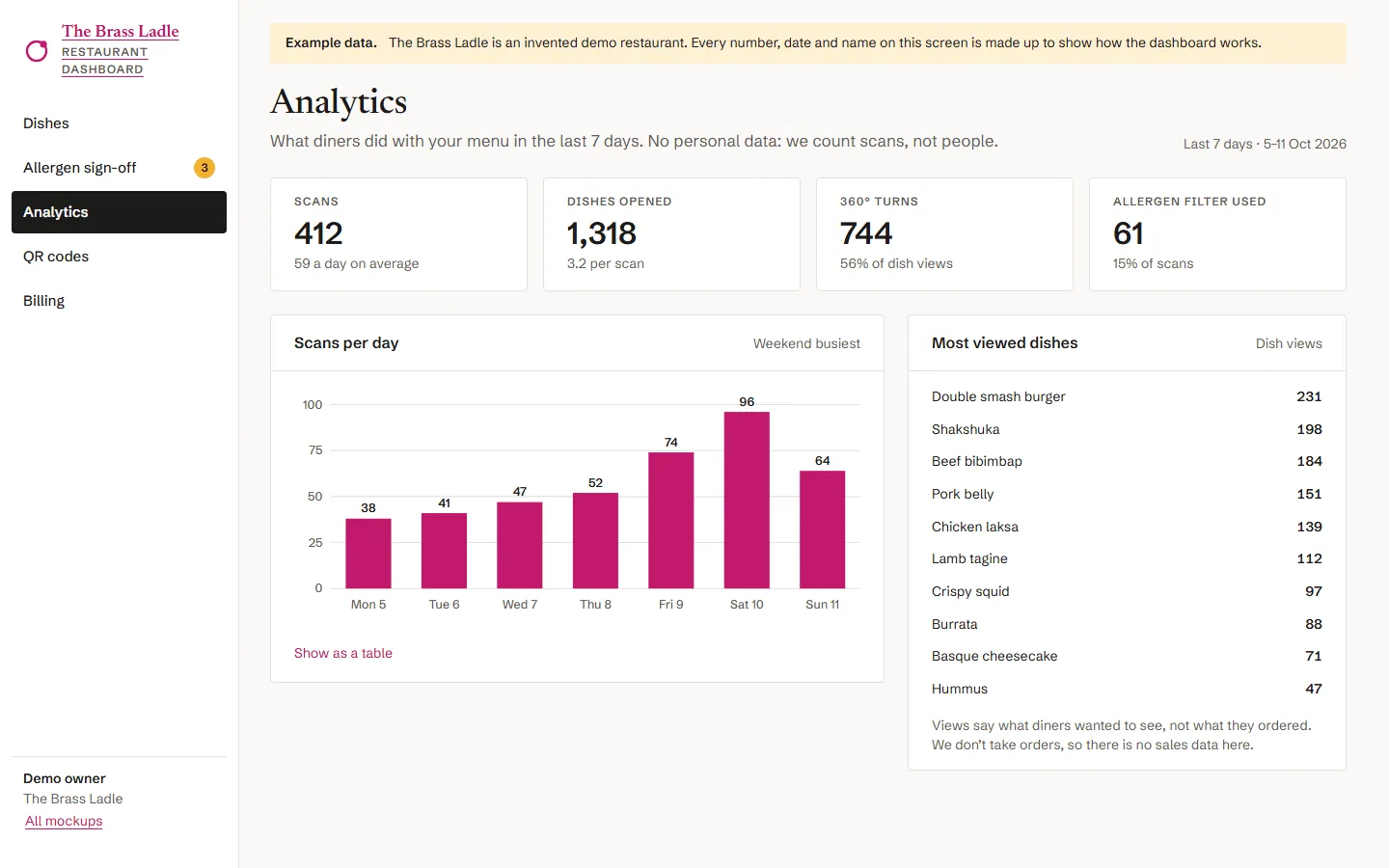
The dashboard: see what diners want, during service
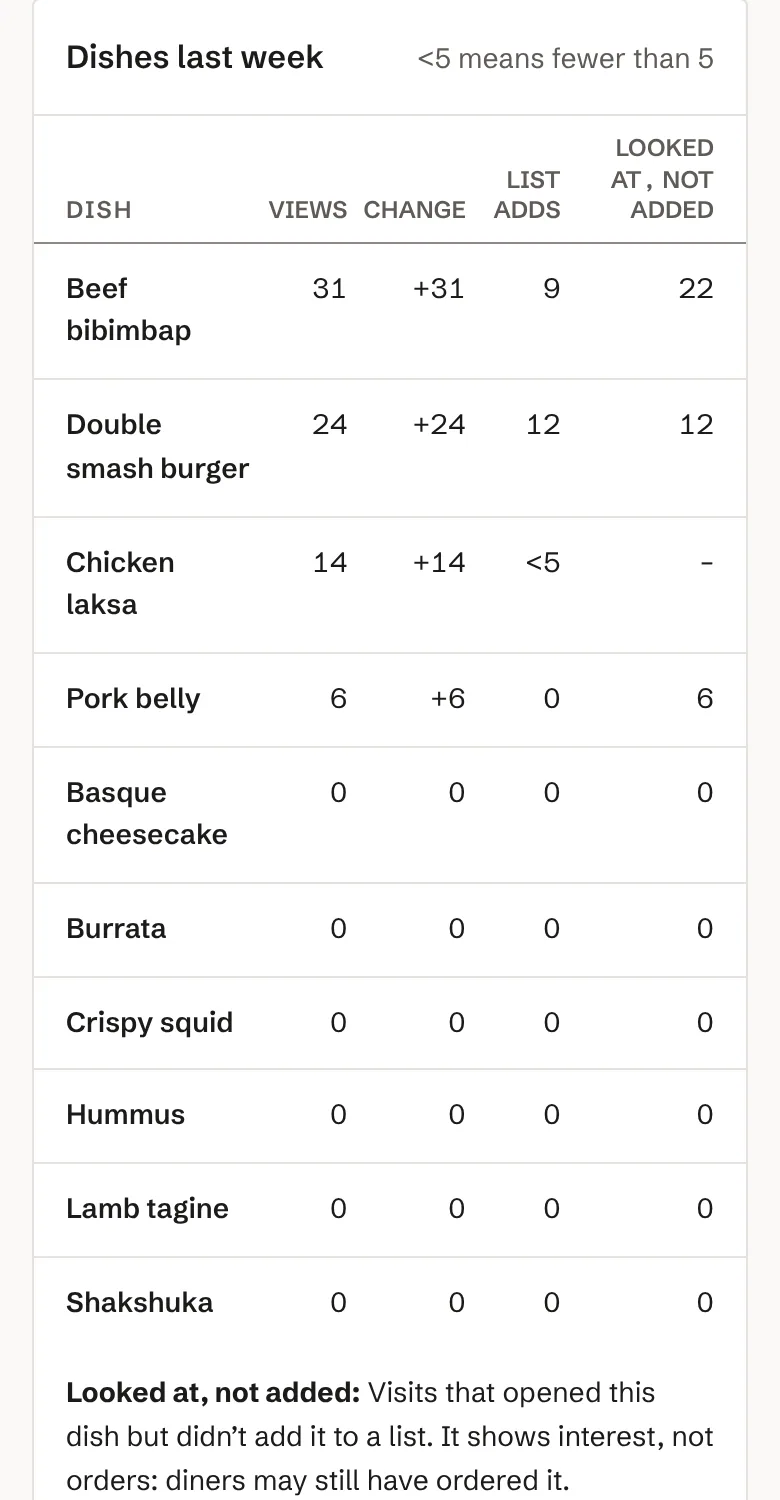
Your dashboard updates through service as diners scan. Figures show up once enough diners have scanned, so no single diner can be picked out.
- What they look at
- How many visits opened each dish today and last week.
- What they add to their list
- Diners build a list on their phone to show your server. You see how often each dish is added.
- Looked at, not added
- The dishes diners open but don’t add. And which dishes nobody adds to their list at all.
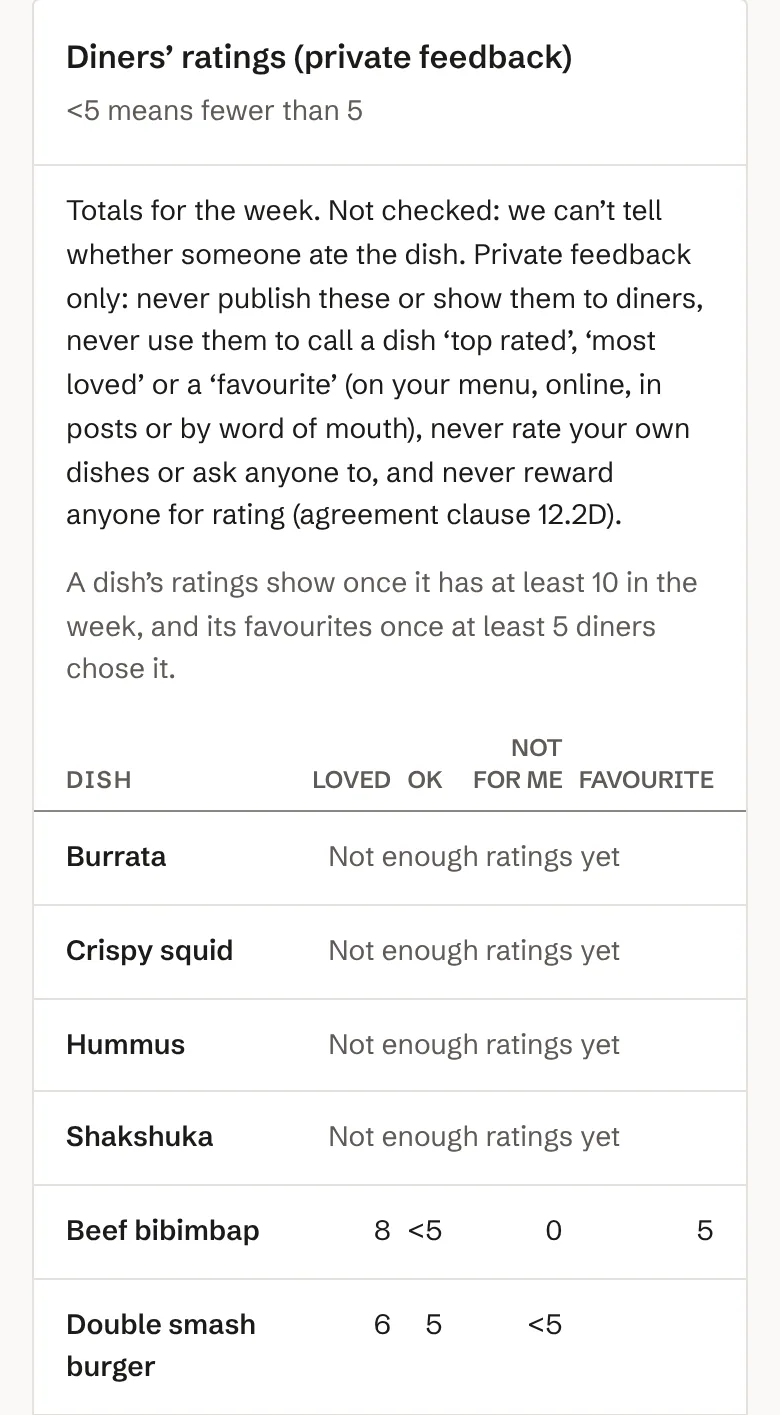
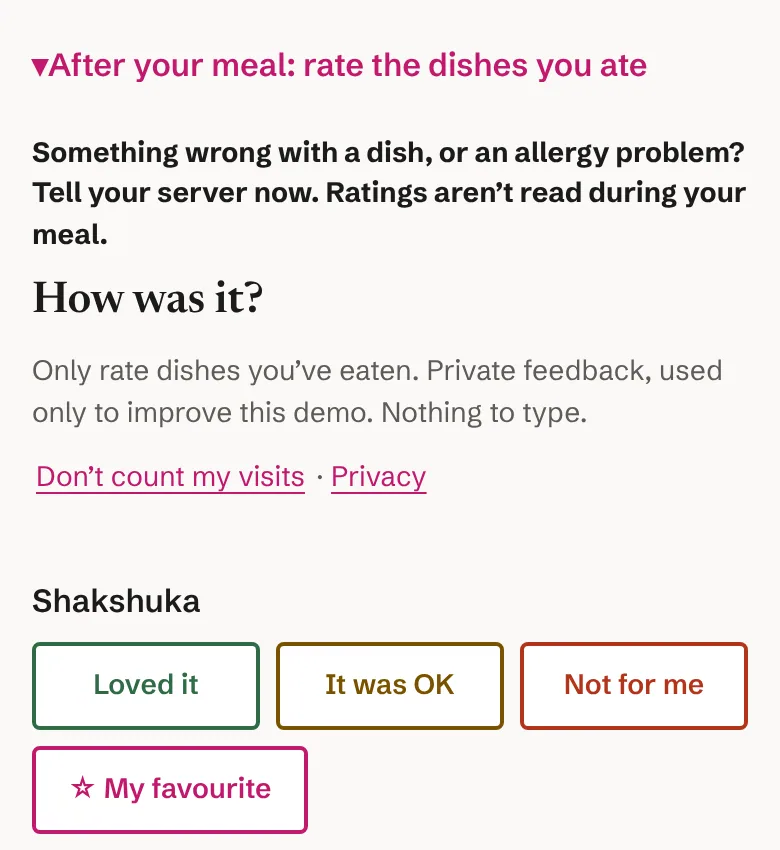
- Ratings after the meal
- Diners can rate the dishes they ate. You see weekly totals once a dish has enough ratings. They’re private, for you only.
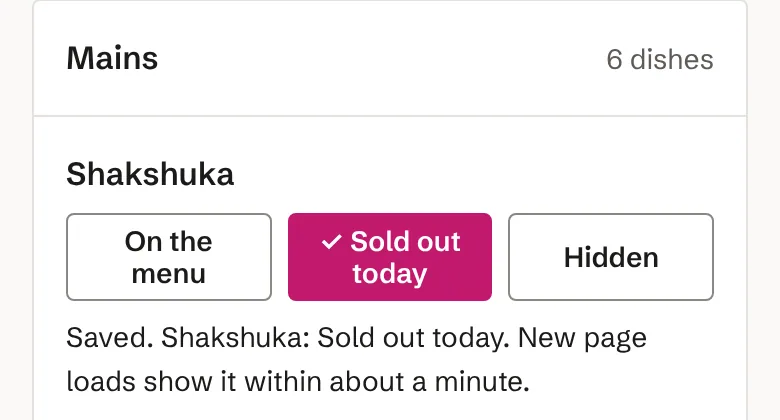
- Sold out? Switch it off
- Mark a dish “Sold out today” or hide it from your phone. Diners who open or reload the menu normally see the change within about a minute.
- Prices and dishes
- Update prices and descriptions yourself. Keep your printed menus and the price list at your door up to date too.
Placeholder — stock image
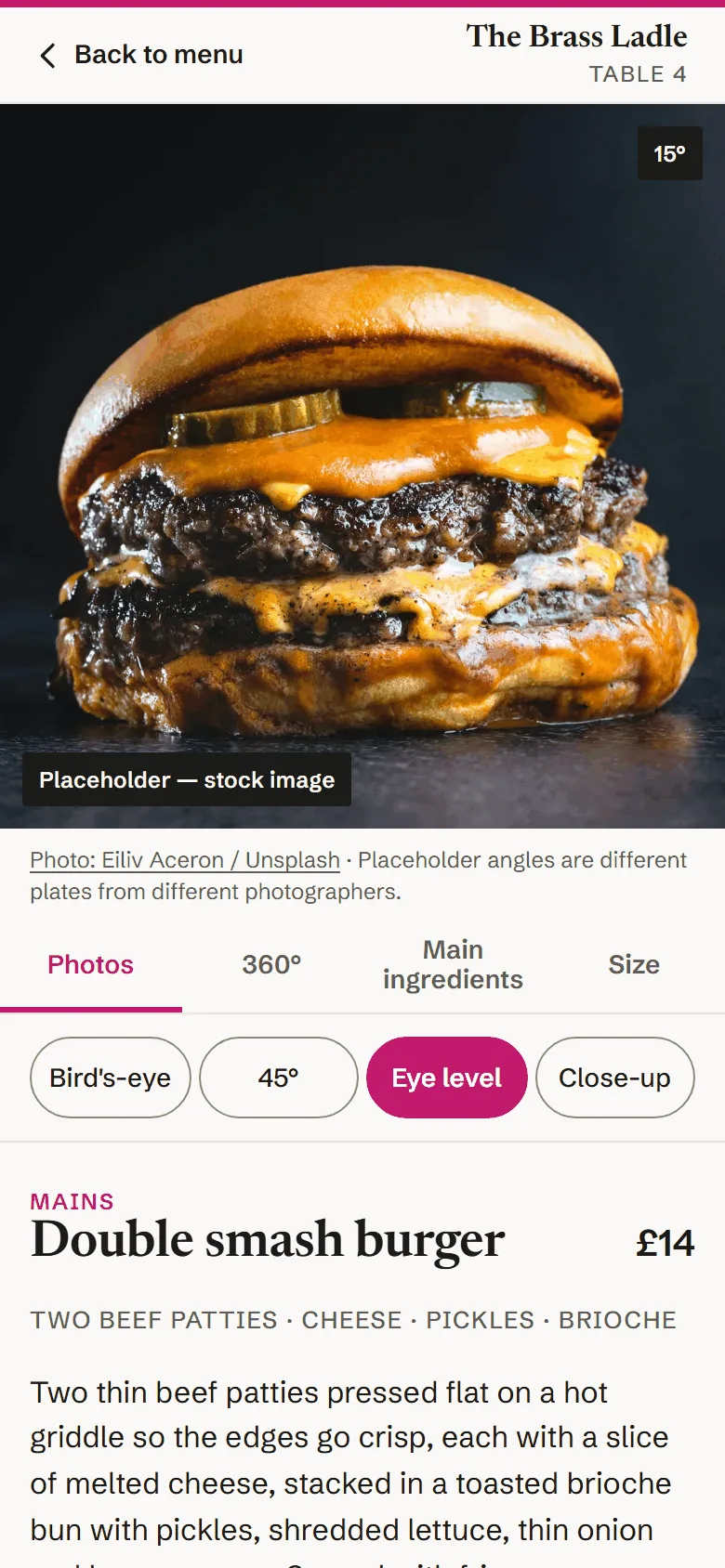
Digital-first: fewer printed menus, always up to date
Your phone menu shows today’s prices and what’s sold out. You could reprint your paper menu less often.
You’ll still want some printed menus. Some diners can’t or won’t use a phone, the price list at your entrance stays, and allergen information must be available in writing or by asking your staff.
Photos are up to you
You don’t need photos to start. Add your own, pick an example photo from our small library, or show “No photo yet”. Example photos always say “Example photo, not this restaurant’s dish”, so diners are never misled.
Want us to film your dishes? Ask us. It’s an optional extra.
How it works
Book a demo
We show you BennyEats and set your restaurant up. No setup fee.
Add your dishes and allergens
Type in your dishes and prices, add photos if you have them, and sign off each dish’s allergens.
Put the QR cards on your tables
Print your table cards. Diners scan the code and your menu opens. No app to download.
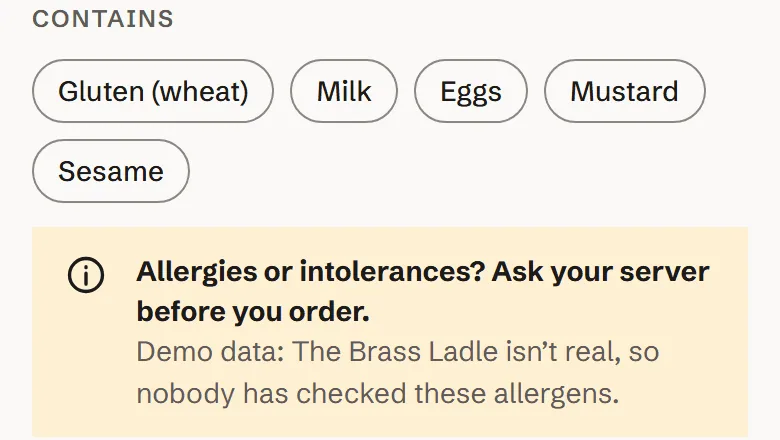
Allergens: only what you’ve signed off. Every dish says ask your server.
The menu shows allergen information only once you’ve signed it off for that dish. Every dish tells diners to ask their server before they order.
“Avoid allergens” is always the first filter on the menu. Diners tick what they need to avoid, and dishes that contain it are hidden, based on your own list. It supports your staff’s allergen conversation. It doesn’t replace it.
Change a recipe? Hide the dish until you’ve signed off its new allergens.
On a bigger screen too
The dashboard works on your phone during service and on a computer when you’re planning the menu.
See it for yourself
Open the demo menu on your phone, or book a demo and we’ll set you up.
Prefer to talk first? Book a video call or a visit.